
Running out of an important product can mean delayed orders, missed sales and disappointed customers. For a small business, one of the simplest ways to reduce that risk is to identify products that are approaching their minimum stock level before the quantity reaches zero.
A practical low-stock workflow connects current stock → reorder level → low-stock identification → purchasing → stock received → updated balance. Instead of checking every product manually, the business can focus attention on the items that actually need action.
What Is a Low Stock Alert?
A low stock alert is a warning that a product’s available quantity has reached, or is approaching, a level at which the business should consider replenishment. The threshold is commonly called a reorder level or minimum stock level.
For example, if a product has a reorder level of 10 units and the available quantity falls to 8 units, the item should appear on the low-stock list so the business can review whether more stock needs to be purchased.
Why Stockouts Matter for Small Businesses
Stockouts can affect more than a single sale. A business may need to delay an order, substitute another product, make an urgent purchase, or tell a customer that an item is unavailable. Repeated shortages can also make purchasing less predictable.
Low-stock monitoring does not guarantee that every shortage will be prevented, because demand and supplier lead times can change. It does, however, provide an earlier signal than waiting until the stock balance reaches zero.
How a Low-Stock Workflow Works
1. Maintain Accurate Current Stock
Alerts are only useful when the underlying inventory quantity is reliable. Purchases, sales, returns and adjustments should update the product balance consistently.
2. Set a Sensible Reorder Level
The reorder level should reflect how quickly the item normally sells, how long suppliers take to deliver it, and how much buffer stock the business wants to maintain. Different products may need different thresholds.
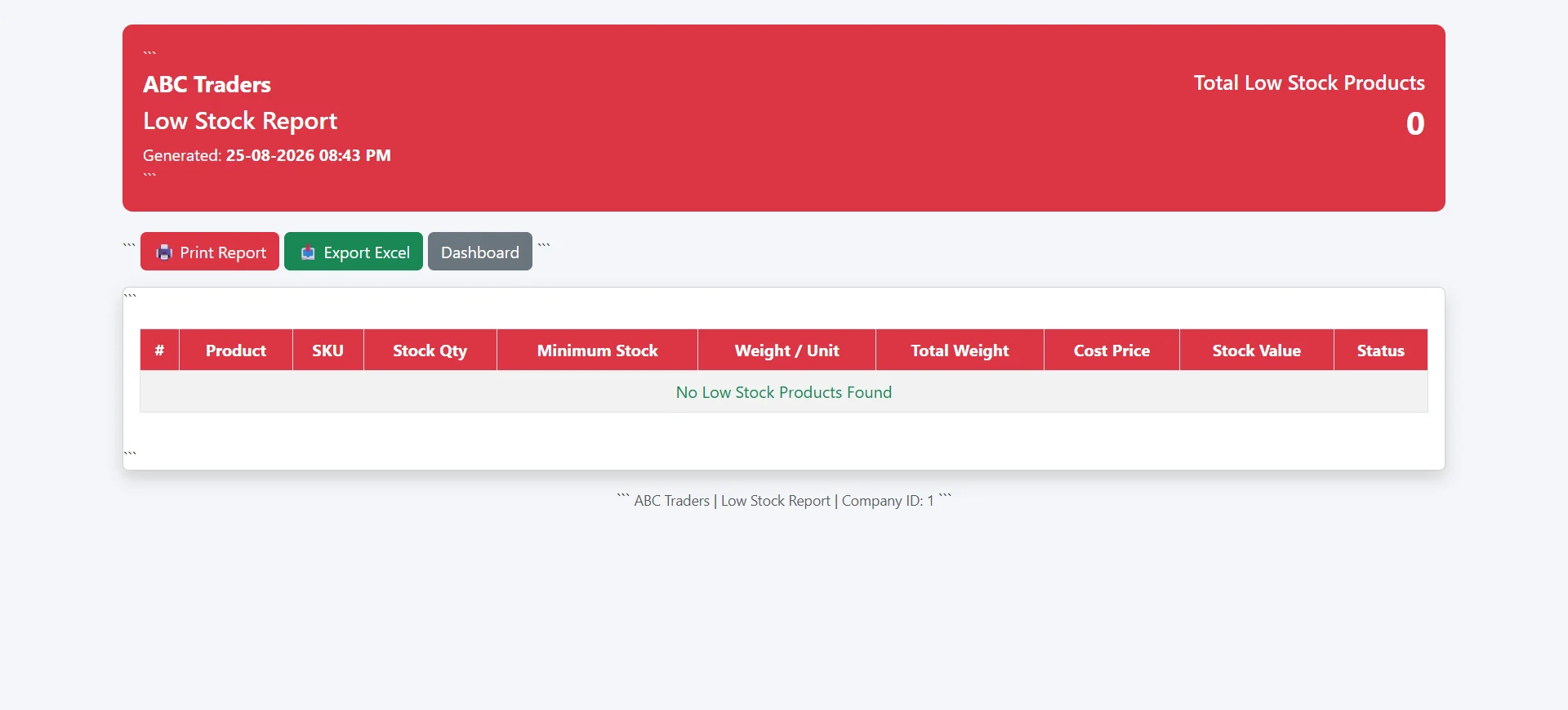
3. Review the Low-Stock Report
Rather than scanning the full product list, staff can review a report containing products that have crossed their configured threshold. This makes the exception easier to identify.
4. Check Demand and Supplier Information
A warning should lead to a decision, not necessarily an automatic purchase. Review recent sales, existing purchase orders, supplier availability and expected demand before deciding how much to reorder.
5. Record the Purchase and Update Inventory
When replenishment arrives, the purchase should increase the stock balance. Keeping purchasing and inventory connected creates a clearer trail from the low-stock warning to the replenished quantity.
Low Stock Alerts vs. Current Stock Reports
| Report | Main Purpose | Typical Question |
|---|---|---|
| Current Stock | Shows available quantities across products | How much stock do we have? |
| Low Stock | Highlights products at or below a threshold | Which products may need reordering? |
| Stock Ledger | Shows transaction-level stock movement | Why did this product reach its current balance? |
Using Inventory Software With Low Stock Alerts
For businesses comparing inventory software with low stock alerts, the alert should be connected to reliable product quantities rather than treated as a separate reminder. A useful workflow lets the user move from the warning to the product record, purchasing activity and stock history.
Inventory tracking software for small business can make this process easier when sales and purchases update stock consistently. A web based inventory management software for small business can also make inventory information accessible to authorized users through a browser, while inventory management software with reporting provides broader visibility into stock and transaction activity.
For the commercial software features behind this workflow, see our Inventory Tracking Software for Small Business page. You can also read What Is a Stock Ledger and How Does It Work? to understand how individual stock movements explain the current quantity.
Practical Tips for Better Reordering
- Review reorder levels periodically instead of setting them once and forgetting them.
- Use recent sales and seasonal demand when evaluating stock requirements.
- Consider supplier lead time when deciding how much buffer stock is necessary.
- Investigate unexpected stock movements before relying on an alert.
- Use current-stock, low-stock and stock-ledger reports together rather than in isolation.
Frequently Asked Questions
What does low stock mean?
Low stock generally means that the available quantity of an item has reached or fallen below a level at which the business wants to consider replenishment.
Is a low stock alert the same as being out of stock?
No. A low-stock alert is intended to provide warning before, or around, a configured minimum level. Out of stock normally means no sellable quantity remains.
Should every product have the same reorder level?
Not necessarily. Products can have different sales rates, supplier lead times, costs and importance, so reorder levels may need to vary by item.
How does a stock ledger help with low-stock problems?
A stock ledger shows the transactions that increased or decreased inventory. If a product reaches low stock unexpectedly, the ledger can help users review how the balance changed.
Conclusion
Low-stock alerts are most useful when they are part of a connected inventory process. Accurate stock quantities, sensible reorder levels, purchasing records and stock movement history work together to give a small business earlier visibility into potential shortages.